
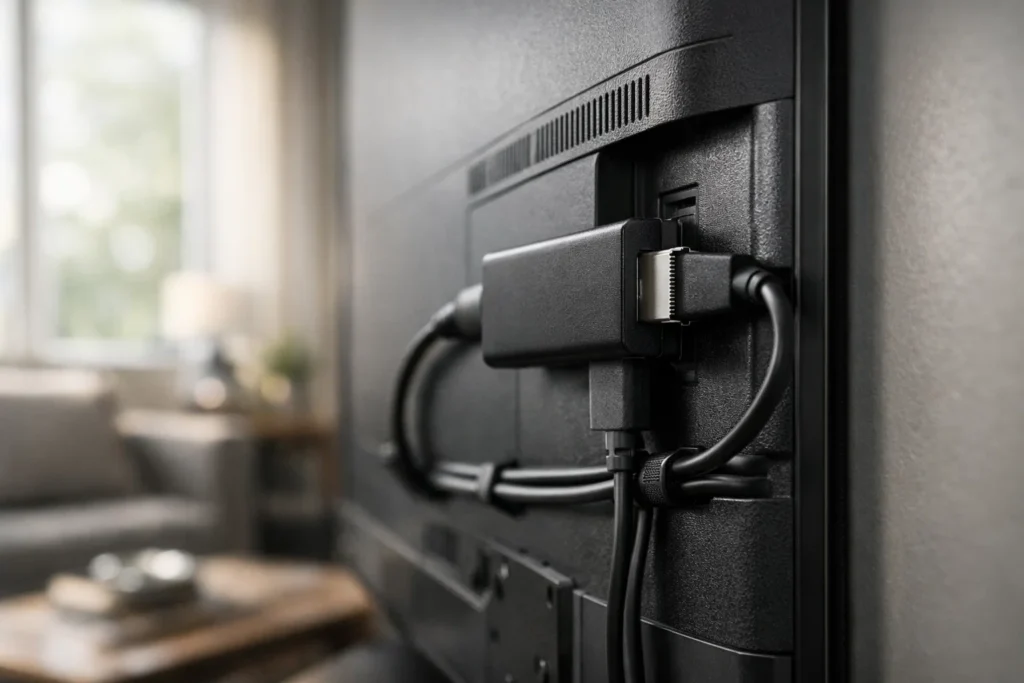
IPTV Firestick
7 Essential Expert Methods For Elite Streaming Performance
IPTV Firestick has become a core solution for households seeking flexible, high-quality streaming without long-term cable commitments. As more viewers move toward internet-delivered television, understanding how to properly configure IPTV Firestick is the difference between constant buffering and seamless playback.
At EliteStreams.tv, we focus on helping members maximise their streaming experience with structured memberships and reliable infrastructure. When paired with the right setup, your Firestick delivers consistent performance across live channels and on-demand libraries.
Firestick refers to using an Amazon Fire TV Stick device to stream television services over the internet instead of through traditional broadcast systems.
This allows users to:
Access live television
Stream films and series on demand
Watch international channels
Control viewing preferences across devices
Mainstream media coverage from BBC confirms that internet-based viewing now dominates many UK households, reinforcing the long-term shift away from satellite and cable systems.
The demand for IPTV Firestick solutions continues rising due to flexibility and control.
Users prefer:
Month-to-month subscriptions
Multi-room compatibility
Portable streaming access
Lower upfront hardware costs
Industry reporting from TechCrunch highlights how consumer behaviour increasingly favours streaming-first ecosystems, particularly where broadband reliability is strong.
Structured streaming options such as those found at https://elitestreams.tv/our-memberships/ demonstrate how organised membership tiers improve consistency and support.
How To Set Up IPTV Firestick For Maximum Stability
Even premium services require proper configuration. IPTV Firestick performance depends on both subscription quality and technical setup.
Prepare Your Device
Before installing IPTV apps for Firestick:
Update Fire OS software
Restart the device
Remove unnecessary applications
Confirm internet speeds exceed 15 Mbps
Install A Reliable IPTV Player
Choose a stable application that supports:
Electronic Program Guide integration
M3U playlist compatibility
Xtream Codes login
Multi-screen layouts
For service updates and feature announcements, members can review https://elitestreams.tv/latest-news/.
Optimising IPTV Firestick Performance
IPTV Firestick responds well to small technical improvements.
Use Ethernet Instead Of Wi-Fi
A wired adapter often reduces buffering significantly during peak evening hours.
Position Your Router Strategically
Keep the router elevated and centrally placed.
Clear Cache Regularly
Removing stored data from IPTV apps helps prevent slowdowns.
Limit Background Applications
Free up memory to maintain responsive navigation.
These optimisation steps elevate IPTV Firestick from average to premium streaming quality.
Common IPTV Firestick Errors To Avoid
Many issues arise from preventable mistakes.
Insufficient broadband speeds
Overloaded device storage
Outdated IPTV apps
Unverified service providers
IPTV Firestick is reliable when supported by strong home networking fundamentals. Skipping technical optimisation often leads to unnecessary frustration.
Mini Case Study: From Buffering To Elite Performance
A two-adult household in Leeds subscribed to a premium membership but initially experienced unstable playback on IPTV Firestick.
Problems included:
Buffering during live sports
Menu lag
Occasional app crashes
After implementing:
Wired Ethernet connection
Router upgrade
Weekly device restart schedule
Removal of unused background apps
Playback stabilised dramatically, with noticeable improvements in load time and stream clarity.
The lesson is clear: IPTV Firestick works best when quality service meets disciplined setup.
Is IPTV Firestick Legal?
The Fire TV Stick hardware itself is completely legal.
Legality depends on whether the IPTV service provider holds proper broadcasting rights.
Always choose transparent providers that outline terms clearly. Reviewing membership structures at https://elitestreams.tv/free-trial/ helps ensure responsible streaming choices.
Best Practices When Choosing IPTV Apps
Selecting IPTV apps for Firestick should focus on performance rather than flashy design.
Look for:
Reliable server infrastructure
Accurate Electronic Program Guides
Consistent updates
Responsive customer support
Avoid overloaded applications that sacrifice stability for excessive features.
For broader digital media and online growth strategies, professionals often explore resources at https://jonathansummers.com/ to understand evolving online ecosystems.
FAQ About IPTV Firestick
What internet speed is recommended?
Minimum 15 Mbps for HD streaming. 25 Mbps or more for multi-device households.
Can IPTV Firestick replace traditional cable?
In most cases, yes. It offers live channels, on-demand content, and scalable memberships.
Does it work on older televisions?
Yes, provided the TV includes an HDMI port.
Why does buffering occur?
Typically due to network congestion, low broadband speeds, or overloaded servers.
Should I use a VPN?
Some users choose VPNs for privacy or connection stability depending on local regulations.
The Future Of IPTV Firestick And Elite Streaming
Streaming technology continues to evolve rapidly.
As broadband speeds increase and IPTV apps become more refined, IPTV Firestick remains a practical, scalable solution for modern households seeking control over their viewing habits.
Elite streaming is no longer defined by satellite dishes or cable boxes. It is defined by infrastructure, optimisation, and informed choices.
Conclusion
IPTV Firestick provides a flexible and efficient pathway to modern television.
When combined with a structured membership, stable internet, and disciplined optimisation, it delivers consistent high-quality streaming without the restrictions of legacy broadcasting models.